Provider applies
Businesses submit services, coverage, hours and commercial-truck experience.

Roadside assistance for the fleet that keeps America moving
Request estimates from approved nearby providers. Response and arrival times depend on availability; choose a provider before help is arranged.
Trucks keep America moving.
We keep you rolling.
Our services
From unexpected breakdowns to scheduled service, FGB Roadside connects carriers with approved providers who can get the job done.
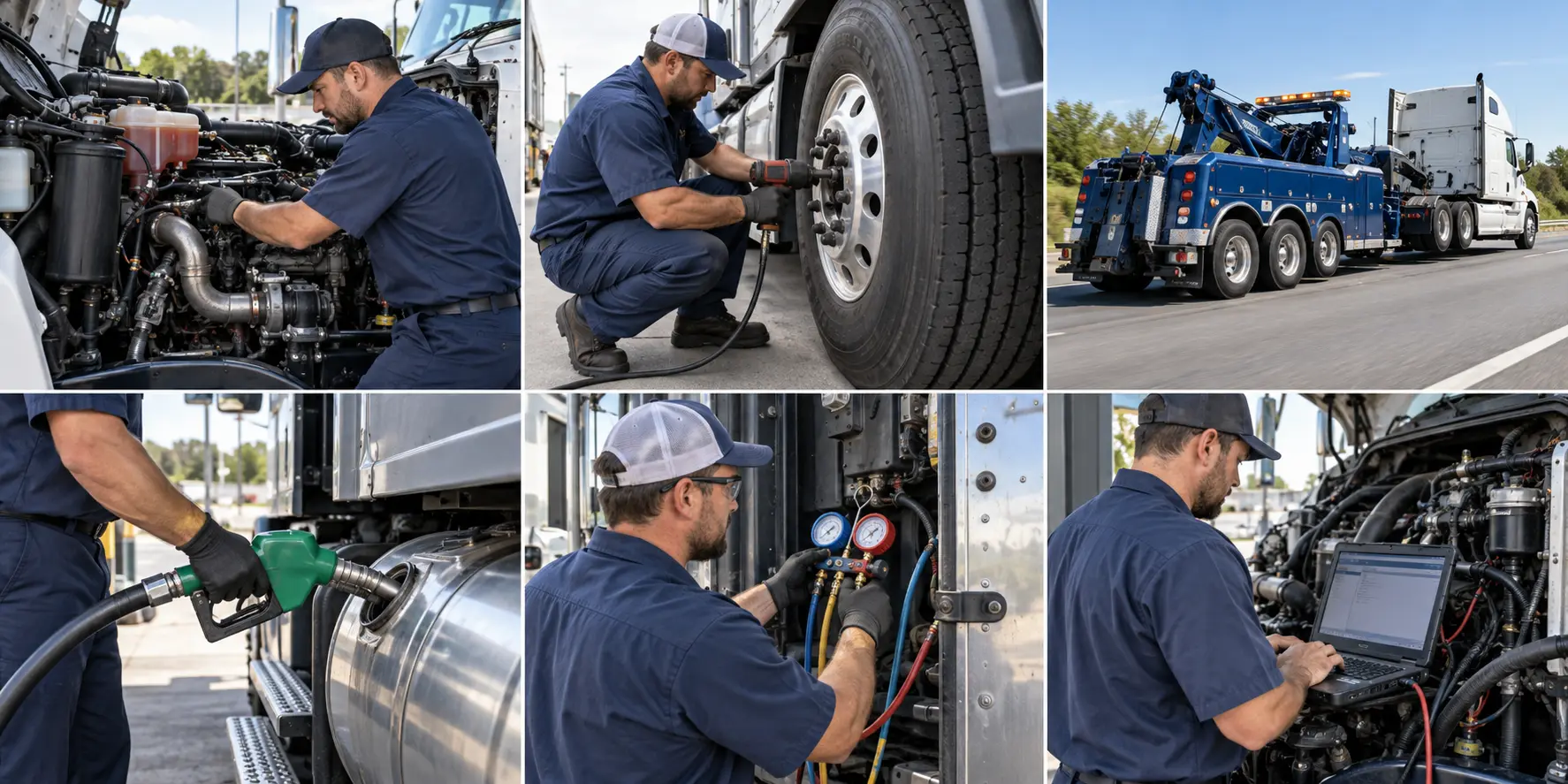
On-site diesel repair to get you rolling.
Find helpCommercial tire repair and replacement.
Find helpLight, medium and heavy-duty recovery.
Find helpOn-site diesel delivery to reduce downtime.
Find helpCommercial truck climate-system service.
Find helpComputer diagnostics for modern trucks.
Find helpReal-time status
From request to resolution, see the status at every major step.
View My Work OrdersStep 1 — Use your location
FGB does not receive, track or store your coordinates. Your location stays in your browser until you open a search.
Step 2
Choose what stopped the truck. Searches open in Google Maps centered near your location.
Step 3
Find mobile businesses that can service the truck at your yard or parking location.
Important: Google may expand results when few providers are nearby. Call first to confirm that the company services commercial trucks, its distance, pricing and arrival time.

FGB Roadside Web App
Install FGB Roadside on your phone for fast access to breakdown requests, provider estimates, GPS location and job-status updates.
FGB Provider Network
FGB verifies provider contact information, service capabilities and insurance before they can participate in the network.
Businesses submit services, coverage, hours and commercial-truck experience.
FGB confirms contact information, capability and insurance before approval.
Approved providers send estimates; the carrier selects who performs the work.
Commercial-truck service provider?Apply to join the FGB Roadside network.
Carrier control
No carrier account is required during an emergency. Work orders are saved on the device, with optional secure carrier sign-in for access from another device.